← Maxime Ronceray

Digitising Field and Operational Processes

I build a small, focused tool for the people doing the work, not a platform they have to work around.

A lot of operational work still runs on paper, or on a spreadsheet someone rebuilds from memory every week. It works, in the sense that the business survives it, but it is slow, error prone, and impossible to search once the form is filed in a drawer or buried in an inbox. Everyone on the ground already knows this. The question is usually not whether to fix it, but how.

The common fix is to buy a generic CRM or field management platform and roll it out across the team. Six months later, the operator on site is still tapping through eleven screens to log the one number that actually matters, because the platform was built to sell to a buyer, not to be used by someone standing at a loading dock with gloves on. It comes with a subscription, a training burden, and a long list of features nobody on your team ever asked for.

I build the opposite. A small, clear frontend designed around the one or two things an operator actually needs to do quickly, matching your existing process instead of forcing you into someone else's. If data genuinely needs to reach your CRM or another system, I connect to it through an API. I do not replace it with a heavier platform you now have to maintain.

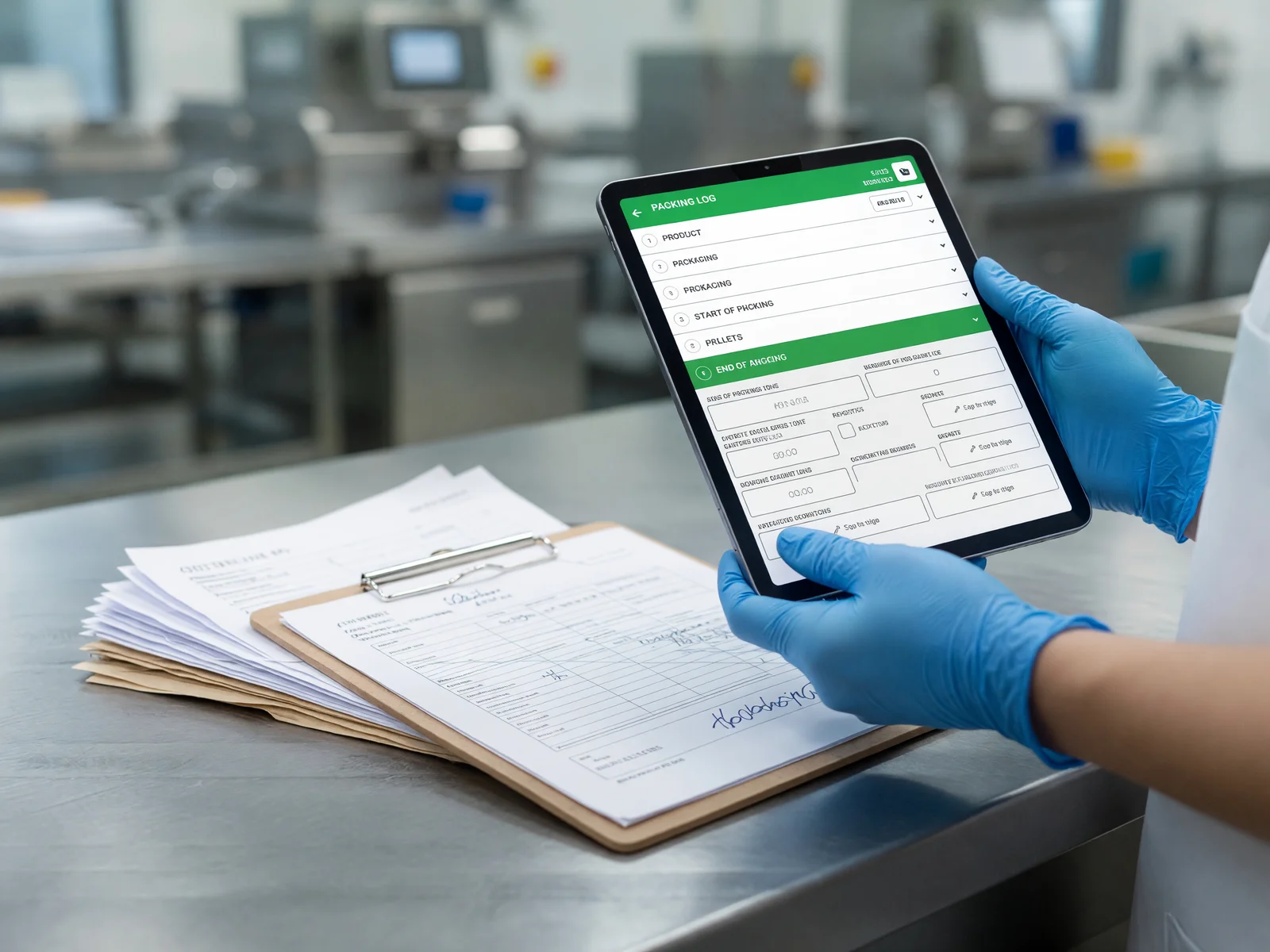
Digitising a paper packing log onto a tablet in the field

What's included

  • Digital forms rebuilt field by field to match your existing process

    I start from the paper form or spreadsheet you already use, not a generic template. Every field, in the order your team already expects, so the switch to a tablet does not mean relearning the job. If a step in the current process does not actually add value, I will say so, but I do not impose a new workflow just because it is easier to build.

  • Automatic calculations, validation, and touch signature capture

    Anything that is currently calculated by hand, checked against a second sheet, or eyeballed for plausibility gets built into the form itself. Values that are out of range or contradict another entry get flagged before the form is submitted, not discovered a week later. A signature captured directly on screen closes the loop with a proper, timestamped record.

  • Deployed on the tablets or phones your team already has

    No new hardware to buy, issue, or lose. The tool runs on whatever your operators are already carrying, so there is no rollout of new devices and no extra thing for someone to charge and keep track of.

  • No subscriptions and no platform lock in

    You get the source code, not a login to a service you rent forever. There is no per seat fee that grows as you add people, and no dependency on me or on a platform staying in business for the tool to keep working.

$900 to $1,800 USD per form

Proven work

A food manufacturing plant was logging every truck of incoming goods on paper: supplier delivery sheet, scale weight, product temperature, label details, all copied out by hand at the reception dock, often in a hurry. I built Paperwork, a goods reception tool, in one week. The operator takes four photos, of the supplier sheet, the scale, the thermometer, and the product label, and that is the entire data entry step.

Behind those four photos, Gemini 2.5 Flash reads and cross verifies the data in about six seconds: it checks the delivery sheet against the scale reading, the temperature against the cold chain requirement for that product, and the label against what was actually ordered. It catches the kind of mismatch a rushed operator misses under normal conditions, a production batch that does not match what the paperwork claims, or a cold chain reading that has quietly broken during transport.

The app works fully offline on the dock, where signal is unreliable, and syncs automatically once a connection is available, so nobody has to think about connectivity to do their job. Running the AI extraction costs under $0.15 per month in API calls, which is not a meaningful cost at any volume this plant handles.
Common questions

Does this replace our CRM?

Usually not. Most of what I build is a small, fast frontend for the specific task your team does on site, and it can connect to your existing CRM through an API when data genuinely needs to flow into it. Replacing your whole system with something new is rarely the right call, and I will tell you honestly if your situation is one of the exceptions where it is.

What if our team has limited internet on site?

The tools I build for fieldwork are offline first by design. The app saves everything locally the moment it is entered, and syncs automatically as soon as a connection comes back, whether that is wifi at the end of a shift or a weak cell signal on the way out. Nobody on site has to think about connectivity to keep working.

Do we need new tablets or hardware?

No. I build for the tablets or phones your team already carries. There is no new hardware to buy, distribute, or replace when someone loses one, and no separate device for people to remember to charge alongside everything else they carry on site.

How long does the first form take?

Typically about a week for the first working form, built around your actual process rather than a generic one. That gives you something real to judge on a single form before deciding whether to roll it out further, instead of committing to a large platform up front on the strength of a sales deck.

Start a project

Send me a short message describing the paper process or spreadsheet you want to replace. I read every message personally and reply within one business day.

Start a project